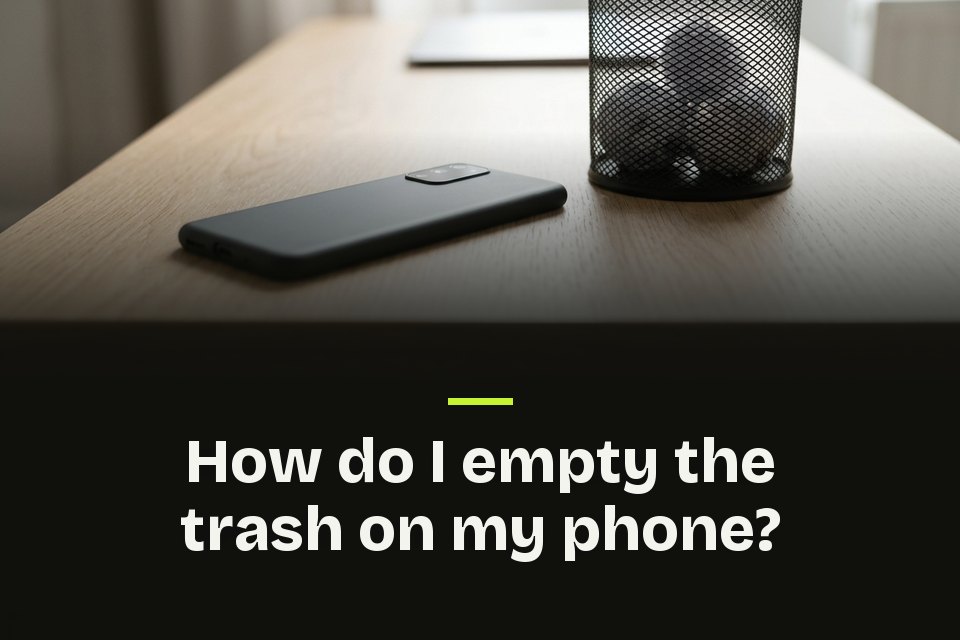
Deleting a photo or file rarely removes it right away. It moves to a trash folder first, usually for 30 days. If you are asking how do I empty the trash on my phone, my answer is one app at a time, because photos, files and email each keep their own bin.
Key Takeaways
- Each app keeps its own trash, so empty photos, files and email separately.
- Deleted items usually wait 30 days, then go for good.
- Samsung's One UI 6 gathers several apps in one Recycle bin.
- An emptied trash cannot be undone, so back up first.
How do I empty the trash on my phone? Find each bin
On iPhone, Photos and Files call the bin Recently Deleted. On Android it is Trash in Google Photos and Files by Google, and Samsung's My Files calls it the Recycle bin. I would start with photos, then files.
On iPhone, empty Recently Deleted
Where to find it Photos > Collections > Recently Deleted > Select > More > Delete All
Recently Deleted sits under Utilities, and on iOS 16 and later it unlocks with Face ID, Touch ID or your passcode. The Files app keeps its own under Locations.
How do I empty the trash on my Android phone?
Where to find it Google Photos > Collections > Trash > More > Empty Trash
Tap Delete permanently to confirm. Google warns that deleted photos can stay on a removable memory card. For other files, open Files by Google, tap Menu, then Trash, and delete from there.
How do I empty the trash on my Samsung phone?
Where to find it My Files > Recycle bin > More > Empty
On One UI 6 and later, this bin holds what My Files, Gallery and Voice Recorder delete, and it cannot be turned off.
My Trash Routine
My advice is to back up first, then empty every bin in one sitting. Our guide on how to back up photos covers the free options.
FAQs about emptying your phone's trash
- How do I empty the trash can on my phone?
- Each app keeps its own. Samsung's One UI 6 comes closest to one trash can, since Settings > Device care > Storage management > Recycle bin gathers My Files, Gallery and Voice Recorder.
- How do I empty the trash on my LG phone?
- Start in the Gallery menu. One LG user guide puts Trash there, holding files deleted in the last 7 days.
- Why does Google Photos say delete permanently when I trash a photo?
- Your trash is full. Google says to empty it first if you want the option to restore later.
- Does deleting a photo on my iPhone delete it everywhere?
- With iCloud Photos on, yes. Apple says a photo deleted on one device is deleted on your other devices signed in to the same Apple Account.
- How long does Gmail keep deleted emails?
- Gmail keeps them in Trash for 30 days, then they cannot be recovered. A deleted draft cannot be recovered from Trash at all.